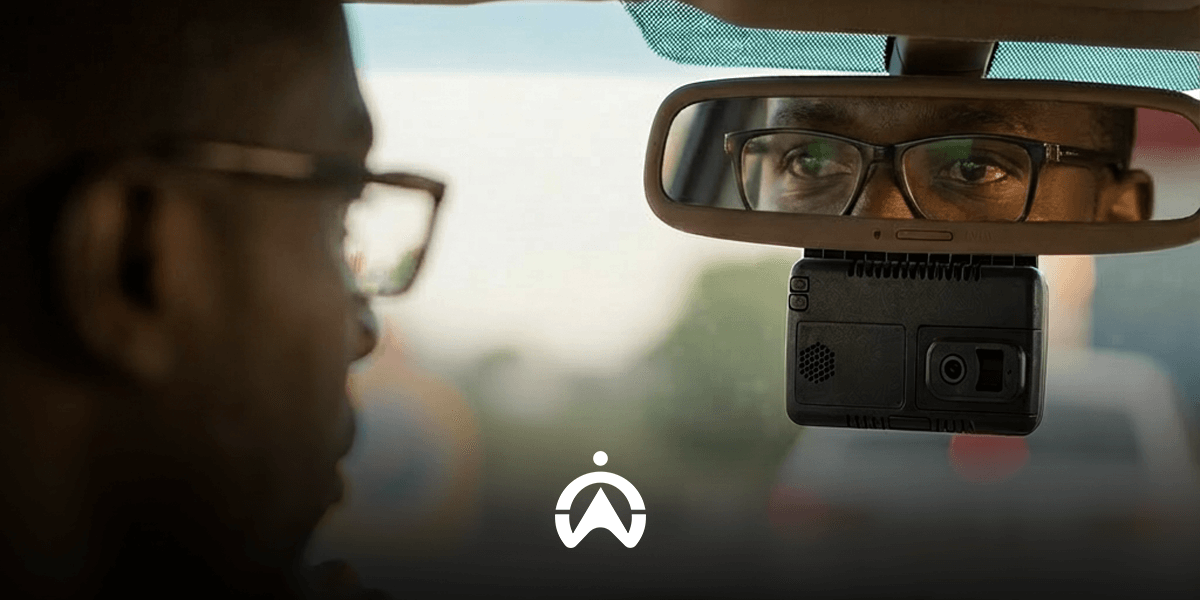
No matter what solution you’re looking for, this guide will answer all of your questions about our offerings. Cartrack’s camera solutions have everything from AI event detection to stored footage, ensuring the complete safety of your personal car or business fleet.
1. Since the cameras have telematics capabilities, do I still need a separate Cartrack telematics package?
No, you don’t need a separate Cartrack telematics package for the cameras. Cartrack’s cameras are already telematics- and GPS tracking-enabled, so there’s no need, especially if your standard tracking and safety feature needs are met.
2. How much data is included for live streaming and footage upload?
For live streaming and footage upload, the data included is 2GB per month per device with Cartrack. Customers’ accounts now have this data limitation, but top-ups are as follows:
1GB – R40
3GB – R120
5GB – R200
10GB – R400
20GB – R800
3. Where is the video footage stored, and how long is it kept?
Video footage is stored on an SD or SSD card, and only manually requested footage is stored on the cloud. The footage is kept for anywhere between a few hours and a few months, depending on video quality and storage space. Dashcams typically use loop recording, so when the memory card fills up, the oldest footage gets automatically overwritten.
4. How quickly can I retrieve footage after an incident?
You can retrieve footage after an incident almost immediately through:
FleetWeb:
Select “Events” in Vision.
Tap the camera or “eye” icon.
On the footage history page, click the downward arrow to download.
Mobile App:
Open the menu in the top left.
Select “Events” under Vision.
Choose the event you want to share or download.
Tap share or download at the bottom.
5. What happens when the AI detects a dangerous event, like distraction or fatigue?
When AI detects a dangerous event, like distraction or fatigue, it’s immediately sent as a notification to you as a fleet manager and stores the footage of the incident. Cartrack’s system allows you to stream, conduct an in-cabin call, or record and save the data for scorecards or coaching.
6. Can I speak directly to the driver through the camera?
Yes, you can speak directly to the driver through the camera and have two-way audio support. This is known as in-cabin calling, but it’s only available via Cartrack’s AI Dual Vision.
7. Why should I choose the Cartrack solution instead of a cheap camera from a marketplace?
You should choose the Cartrack solution instead of a cheap camera from a marketplace because there are more guaranteed safety and technological features. Cartrack’s solutions, even at their most basic, offer telematics, SVR, professional support, and secure video storage, which go far beyond just video recording.
8. Which solution is best for a small business that only needs basic accident evidence?
The solution best for a small business that only needs basic accident evidence is a Road or Dual Vision camera. These are basic solutions that offer road- or road-and-cabin-facing cameras with live tracking and streaming and recording video footage.
9. Can Cartrack guarantee the camera will survive a high-impact accident?
No, Cartrack can’t guarantee the camera will survive a high-impact accident. However, Cartrack’s devices are designed to industry standards to endure typical environmental factors. The priority is data preservation and emergency support, not the camera’s physical condition.
10. If I want to continuously live-stream my whole fleet, which solution is best?
If you want to continuously live-stream your whole fleet, the best solution would be any of the AI-powered solutions (AI Dual Vision or AI Multi Vision). All solutions support live streaming, but advanced options also track AI events.
11. Does the camera record when the vehicle's ignition is off (Parking Mode)?
12. What is the starting price for a Cartrack Vision dashcam solution?
The starting price for a Cartrack Vision dashcam solution is from R199 per month. The final price depends on the features and package selected and includes the device, installation, features, app access, and emergency support.
13. Which camera solutions allow for the most cameras, and which have the most storage?
The camera solution with the most cameras and storage is the AI Multi Vision, supporting up to 8 cameras and up to 1TB (291 hours) of storage.